A smart home is a convenience until the electricity stops. Then it becomes a set of questions. Does the door still lock? Can the garage be opened? Will the heating wake up when power returns, or will it wait for a cloud service that is also offline?
We spent several months testing hubs, sensors, locks and backup power in an ordinary house on an ordinary supply, including two planned outages and one unplanned one. The devices that survived shared a few unglamorous traits.
Keep the network alive first
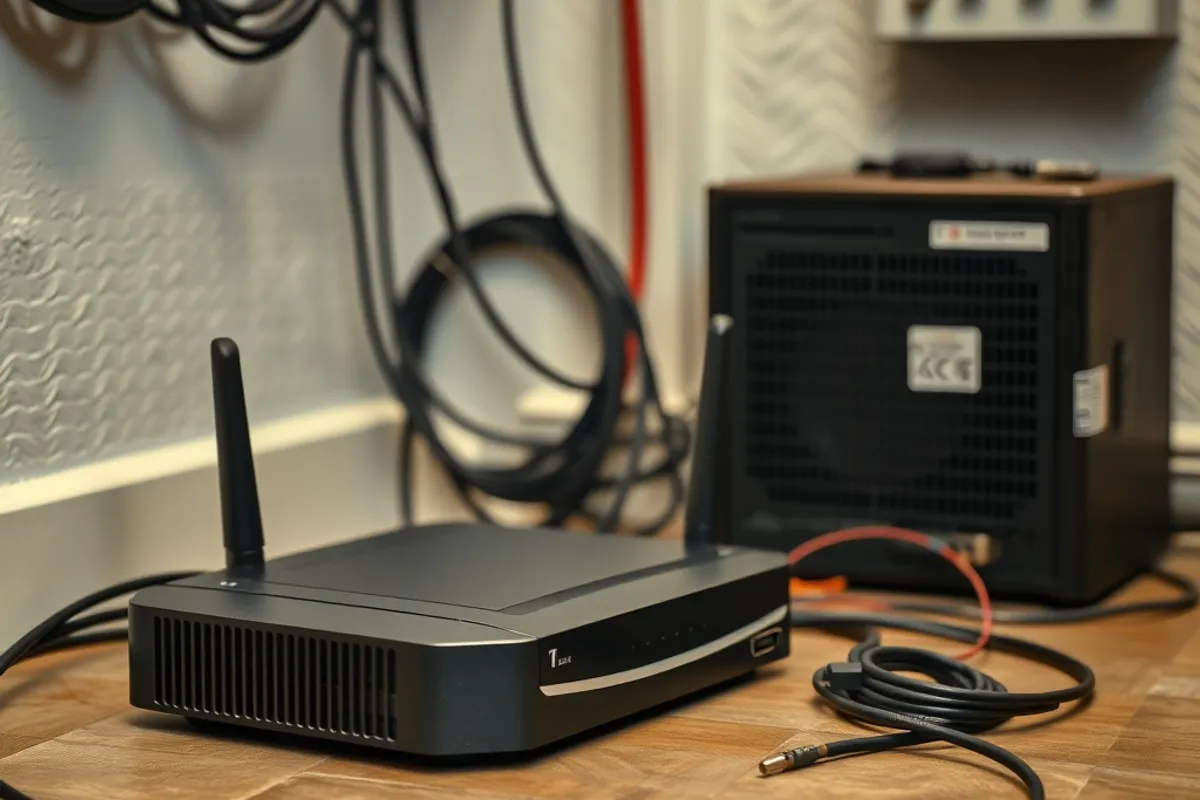
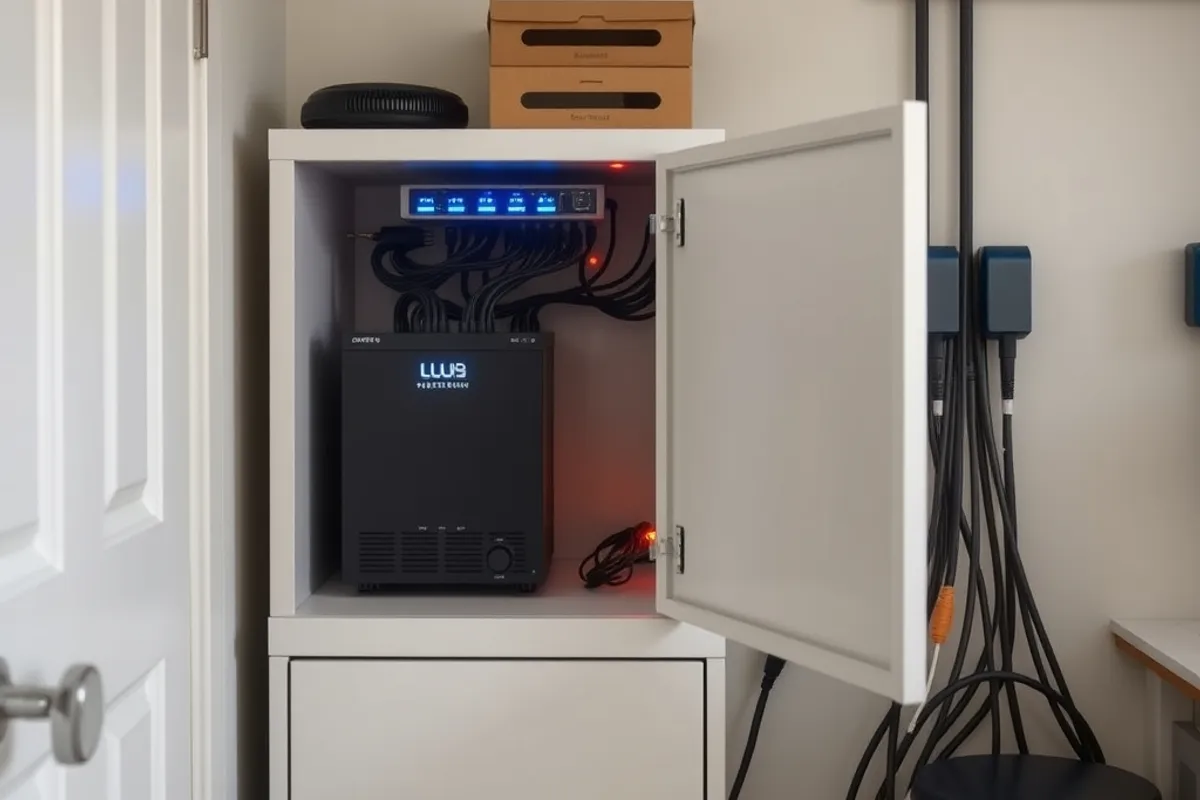
Most smart home failures are network failures. Put the router, the modem and the hub on a small uninterruptible power supply. A unit rated for 600VA will typically keep that stack running for 30 to 90 minutes, long enough to send an alert, close a garage and keep the lights on while you find a torch.
Do not put a laser printer or a space heater on the same unit. The load drains the battery quickly and the devices you actually need lose their window of operation. Label the outlets so nobody plugs a vacuum cleaner into the backup side.
Prefer local control
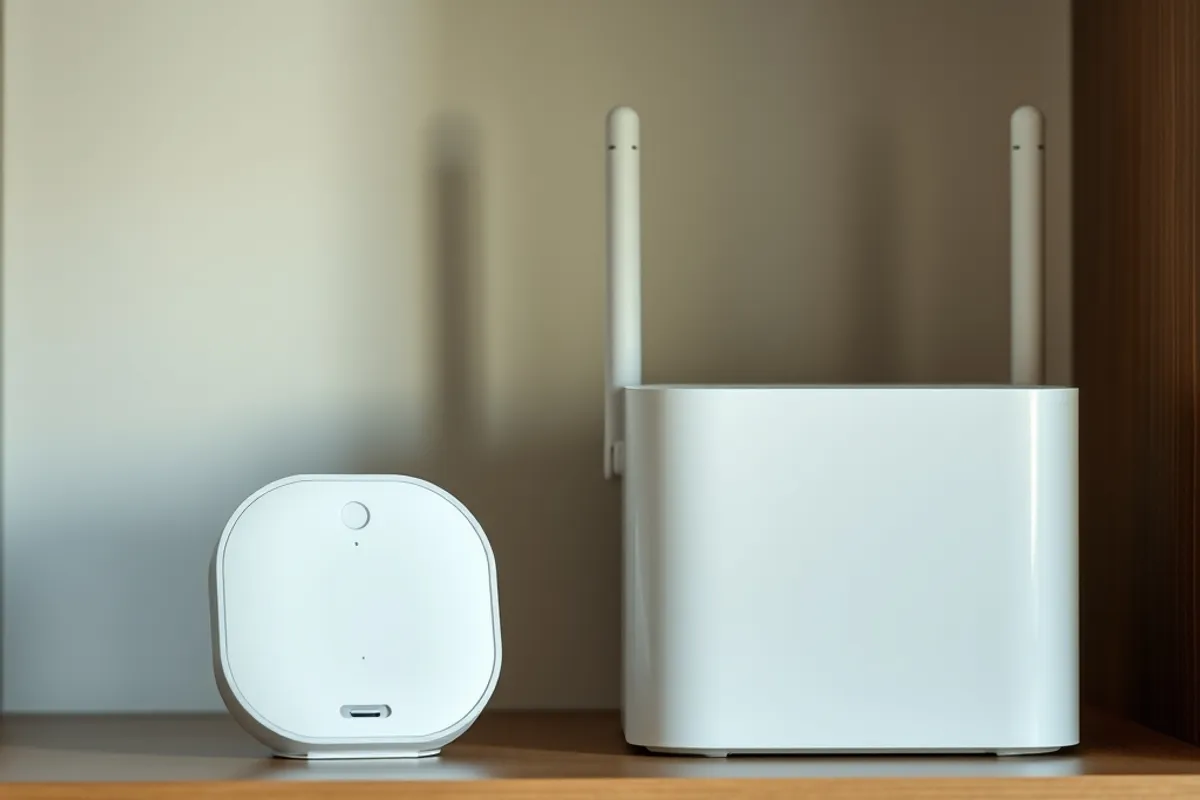
A switch that needs a cloud round trip to turn on a lamp is a switch that stops working when the internet does. Matter and Thread devices can often be controlled locally through a hub, and many Zigbee and Z-Wave systems work the same way. Check the documentation before buying, not after.
Local control also reduces latency and keeps basic routines running during an ISP outage. For lighting, heating and locks, that reliability is worth more than a slightly wider choice of app features.
The test of a smart home is not how many devices it has. It is what still works when the power and the internet both fail.
Locks and doors need a manual plan
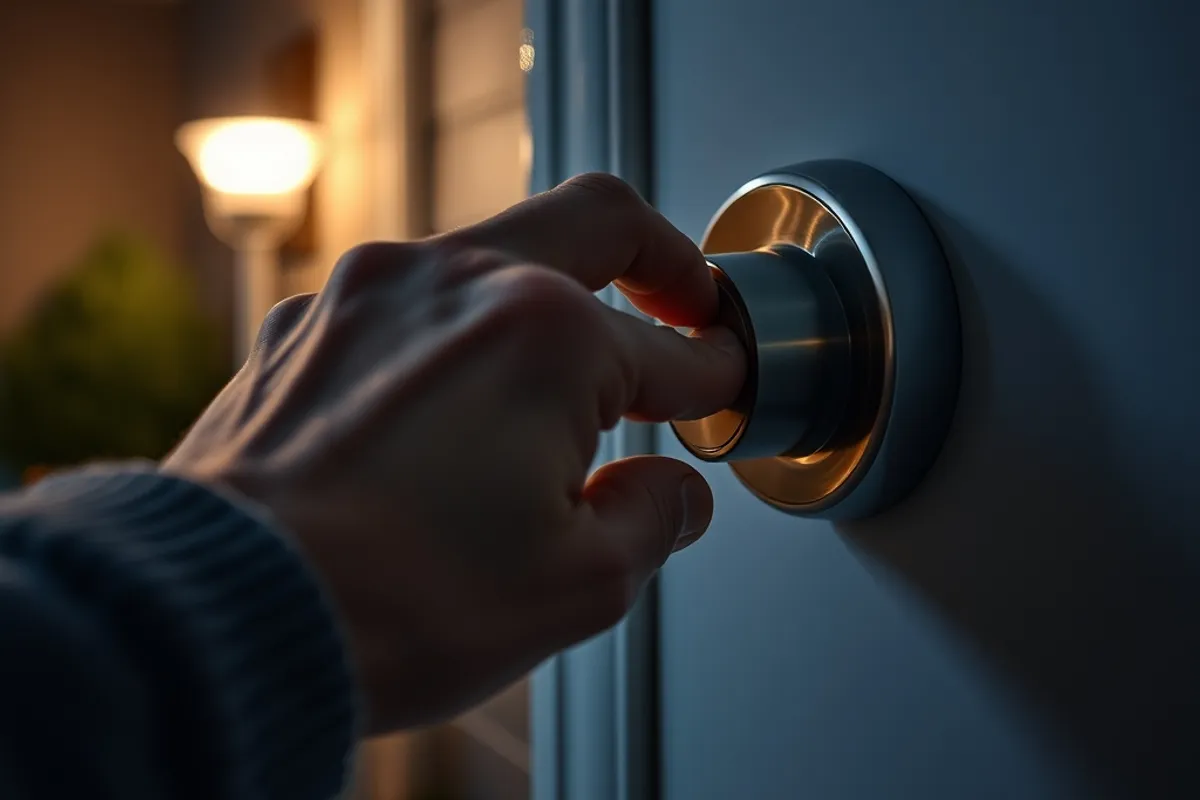
Every smart lock should have a physical key or a mechanical override, and every member of the household should know where it is. Test the override quarterly. A lock that has never been opened manually is a lock whose override has never been proven to work.
Garage door openers are the other weak point. Many models lose their position after a power cut and need to be re-taught. Keep the manual release cord accessible and make sure the door can be lifted by hand if the motor fails.
Key facts
- Keep the router, hub and one light on a small battery backup.
- Prefer devices with local control over cloud-only switches.
- Test every lock and garage door manually once a quarter.
- Battery sensors should report low power before they fail.
- A simple schedule beats a complex automation during an outage.
Batteries and alerts
Battery-powered sensors are useful precisely because they keep working when the mains supply does. The catch is maintenance. Set a recurring reminder to check every sensor, and replace batteries on a schedule rather than waiting for a low-battery notification that may never arrive.
Smoke and carbon monoxide alarms deserve special attention. If they are connected to a smart system, confirm that the alarm still sounds locally when the network is down. A notification is a bonus, not a substitute for the siren.
Simplify the automation
Complex routines fail in complex ways. After an outage, a system that depends on five conditions, two cloud services and a phone location may simply give up. Keep one or two critical routines simple and local: hallway light on motion, heating to a safe temperature, garage closed after ten minutes.
Document the recovery steps on a card in the utility cupboard. Include how to reconnect the hub, how to reset the router and who to call if the heating does not return. During an outage, nobody wants to search a support forum on a phone with 12 percent battery.
The bottom line
A resilient smart home is less about gadget count and more about a short list of devices that work without the cloud. Back up the network, choose local control, test the manual overrides and keep the routines simple. The rest is convenience, and convenience can wait for the power to return.
More ownership advice is on the Gadget & Electronics desk. For the software side of connected devices, visit the web development section.